Services
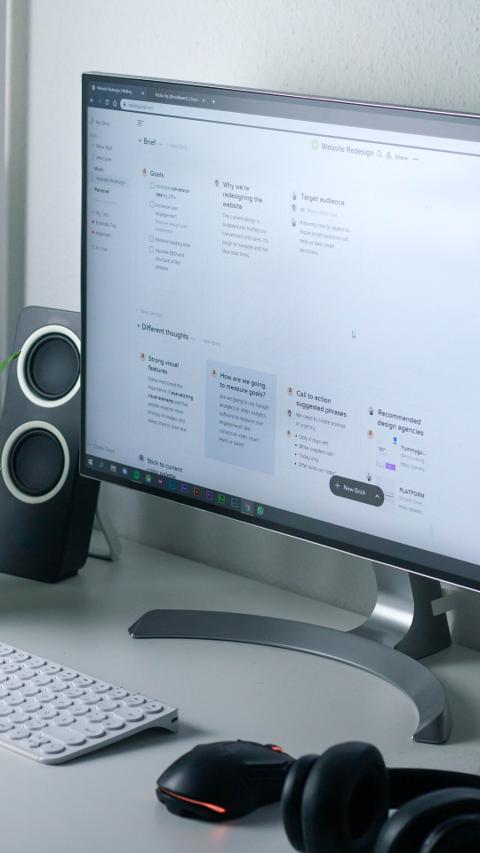
Project Management
Customize these sections to align with your branding. To adjust, select the section and use the available tools to modify.
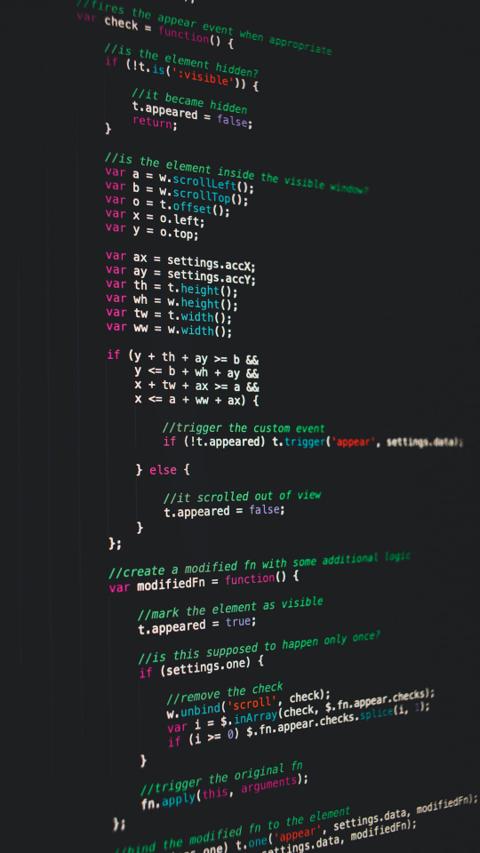
Data Analytics
To add a new feature, adjust the layout of existing sections using the appropriate icons. Then, replicate one of the sections to create a new entry.
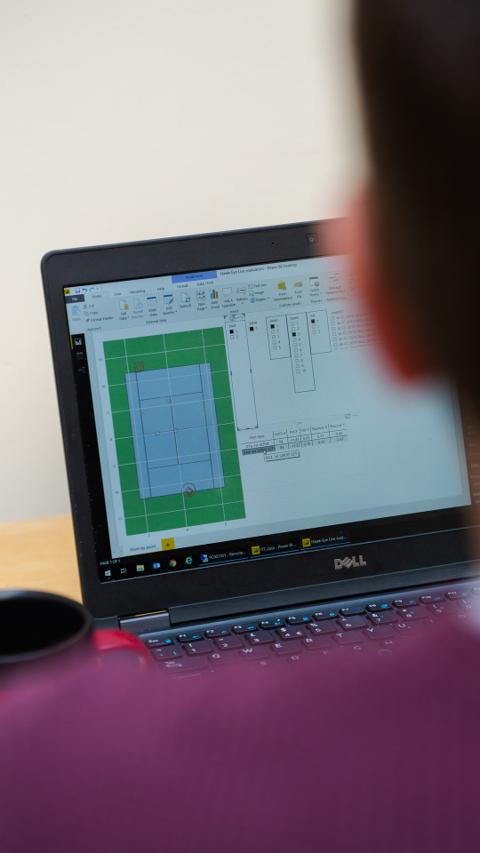
Feature One
Remove the above image or replace it with a visual that represents your business solutions. Click on the image to modify its rounded corner style.
"Our partnership with this company has transformed our operations. Their solutions are invaluable!"

"Our partnership with this company has transformed our operations. Their solutions are invaluable!"

"Our partnership with this company has transformed our operations. Their solutions are invaluable!"

Client testimonials and partnerships
Leverage this section to enhance your company's reputation.